
Cinematic Architecture Walkthrough Video with AI
5 min read
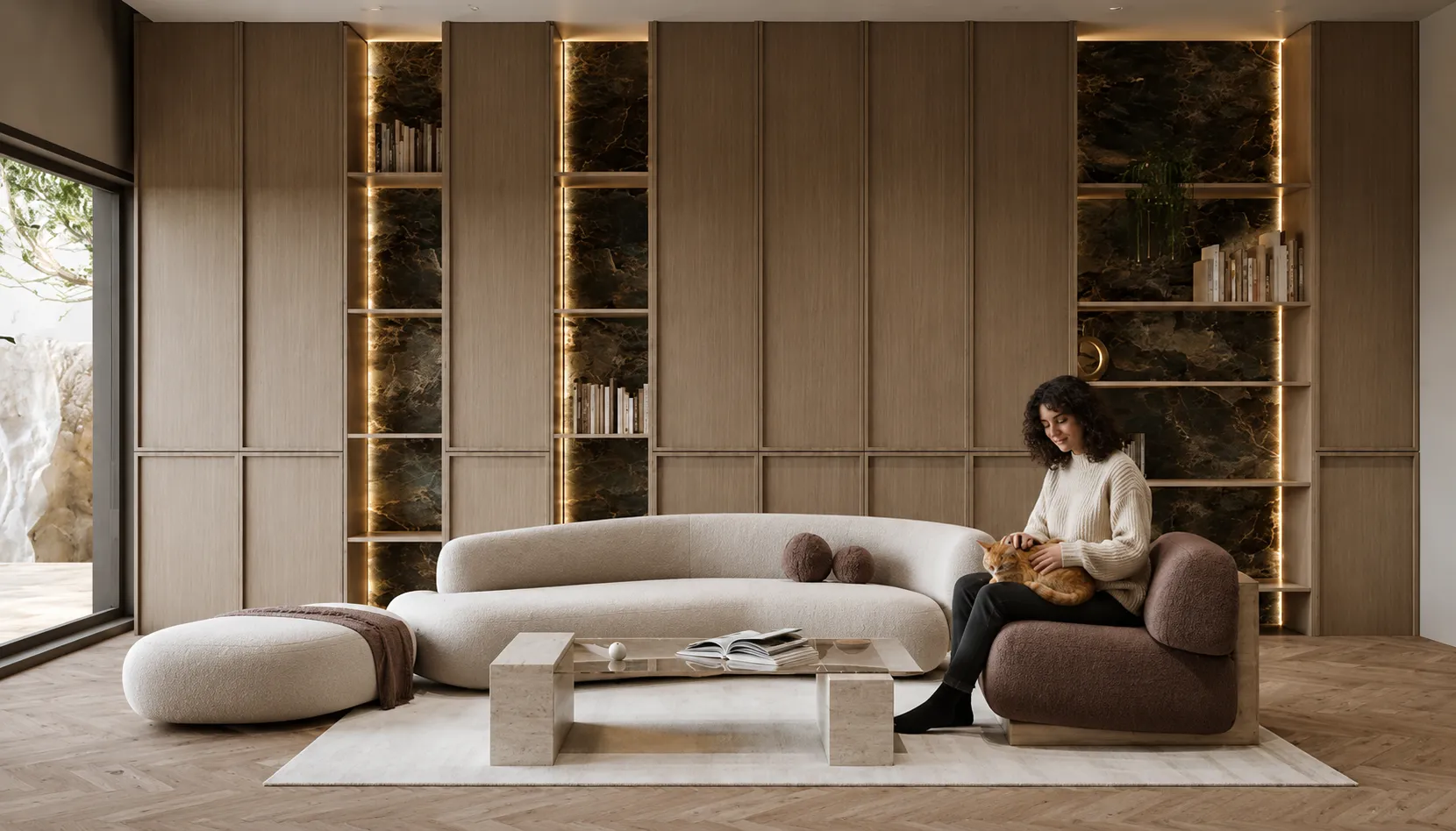
A still render gets attention; motion wins the pitch. AI video turns a single render or photo into a cinematic walkthrough — smooth camera movement, depth, and an optional classical score — without After Effects or animation experience.
Why motion matters
Clients understand space far better when the camera moves through it. A 5–10 second cinematic clip makes a proposal feel finished and is perfect for Instagram and TikTok, where video massively out-performs static images.
From image to film
- Upload a render or photo of the space.
- Pick a camera motion and cinematic tier.
- Generate — you get a ready-to-share video in seconds.
Tips
- High-quality, well-lit source images produce the most convincing motion.
- Use it on your best render — the one you’d put first in a portfolio.
- Export vertical for Reels/TikTok, horizontal for presentations.
AI walkthrough vs real-time engine walkthrough
| Real-time engine (Twinmotion/Lumion class) | AI walkthrough from a still | |
|---|---|---|
| Input needed | Full 3D model with materials + camera path | One render or photo |
| Time to first clip | Hours to days | Minutes |
| Best at | Long navigable tours, exact camera control | Short cinematic mood shots for clients/social |
| Skill needed | Engine + animation experience | A sentence describing the camera move |
| Cost model | Licence + GPU + operator time | Credits per clip |
Deeper version of this comparison, with camera-move prompts that work: renders to cinematic property videos.
Animate your render now: open Video Creator.
Design ideas
Luxury Studio ApartmentLuxury RestaurantLuxury KitchenScandinavian Studio ApartmentScandinavian RestaurantScandinavian KitchenAll ideas