
Best AI Rendering Software for Architects (2026)
12 min read
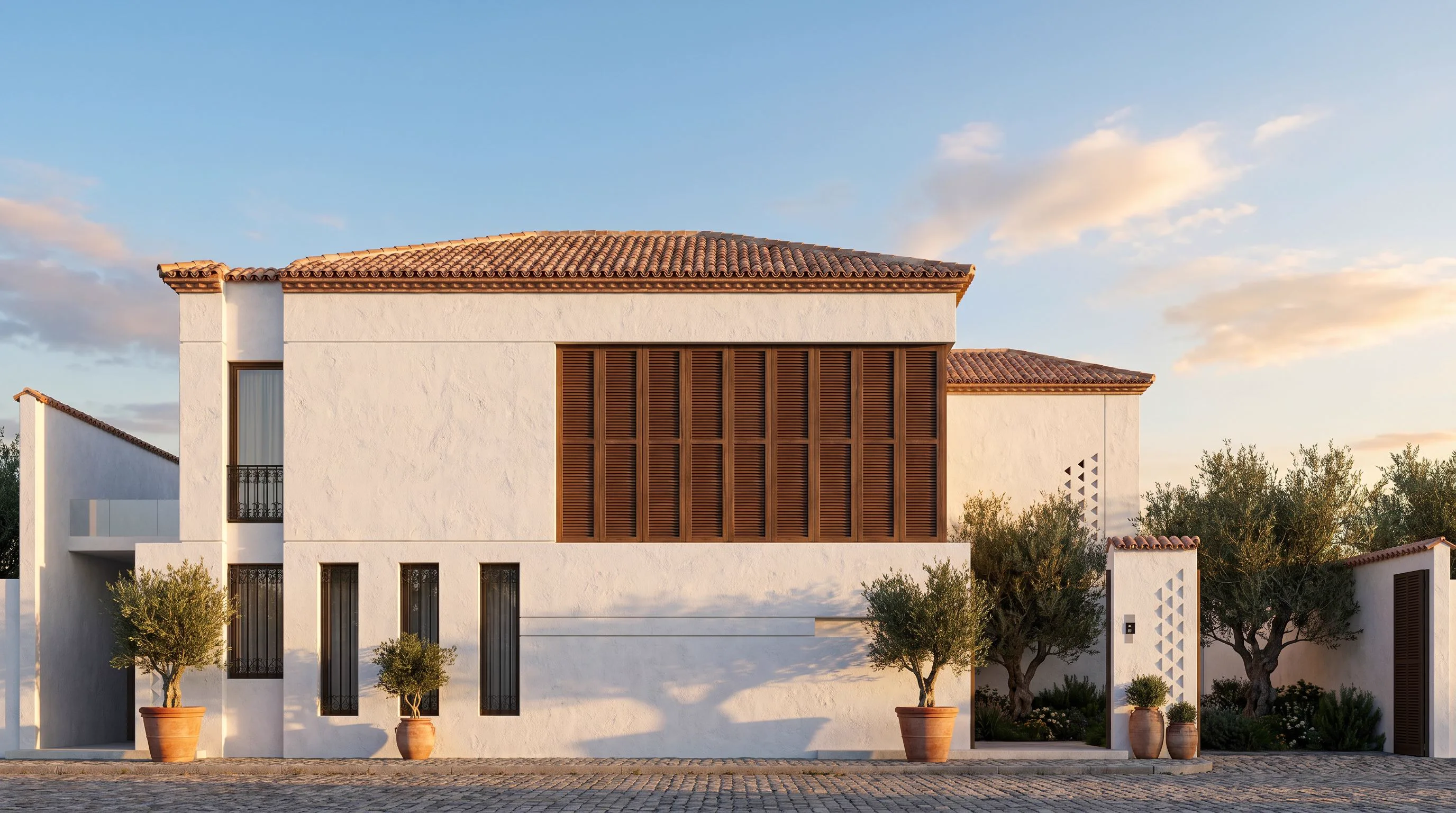
AI rendering went mainstream: roughly 44% of architects now use AI for concept imagery. But not all AI rendering software is interchangeable — some render your actual 3D model, some restyle photos, some generate from text. This guide ranks the best AI rendering tools for architecture in 2026 — the ten AI rendering software options we see most in professional workflows — comparing workflow, output and price, and including where each one is genuinely the best choice.
Last updated: August 2026.
Quick answer: the best AI rendering software in 2026
- Best all-in-one studio (render + interior + video + 3D): Archome AI
- Best inside BIM/CAD software: Veras (Revit, Rhino, SketchUp plugins)
- Best pure sketch-to-render specialist: Gendo or PromptRender
- Best for mood boards and concept art: Midjourney
- Cheapest way to test AI rendering: a free plan — Archome AI (100 credits/month) or MyArchitectAI (10 renders)
All eight tools at a glance
| Tool | Runs | Input | Beyond stills | Free tier |
|---|---|---|---|---|
| Archome AI | Browser + SketchUp/3ds Max plugins | Sketch, photo, model export, plan | Video, 2D→3D, inpainting, 4K | 100 credits/mo |
| Veras | Revit/Rhino/SketchUp plugin | Live BIM viewport | — | Trial |
| Gendo | Browser | Sketch, image | — | Limited |
| mnml.ai | Browser | Sketch, image | Upscale | Limited |
| PromptRender | Browser | Image | — | Limited |
| ArchiVinci | Browser | Sketch, image, plan | — | Limited |
| MyArchitectAI | Browser | Image | — | 10 renders |
| Midjourney | Discord/web | Text, image ref | — | No |
Deeper side-by-sides: Veras, Gendo & mnml, D5 Render, Cedreo, Twinmotion and Vizcom.
1. Archome AI — the all-in-one AI design studio
Archome AI bundles twelve tools in one workspace: sketch-to-render, interior redesign, facade restyling, landscape, plan-to-render, inpainting, material swap, 4K enhancement, cinematic walkthrough video and 2D-to-3D model generation (GLB export). It also ships SketchUp and 3ds Max plugins that render the current viewport in ~30 seconds.
- Strengths: widest tool coverage in one subscription; video and 3D output that most rendering tools simply don't have; free plan with 100 monthly credits; plans from $29/mo.
- Limitations: browser + plugin workflow (no Revit plugin yet); no team seats on lower plans.
- Pick it if: you want one tool for the whole pipeline — concept render, client revisions, walkthrough video — instead of three subscriptions.
2. Veras — AI rendering inside your BIM software
Veras (by EvolveLAB) plugs directly into Revit, SketchUp, Rhino and other BIM/CAD platforms and renders on top of your real model geometry, which keeps proportions and camera angles intact.
- Strengths: deepest BIM integration on the market; geometry fidelity.
- Limitations: rendering only — no interior-from-photo, video or 3D generation; per-seat pricing adds up.
- Pick it if: your practice lives in Revit and you want AI inside it.
3. Gendo — the fast-growing render specialist
Gendo focuses narrowly on architectural visualization from sketches, massing models or reference images, with consistently strong residential and commercial output.
- Strengths: quality and consistency for exterior/interior stills.
- Limitations: stills only; fewer editing tools around the render.
4. mnml.ai — render workflows for CGI artists
mnml.ai targets users coming from SketchUp, Revit, Blender, Lumion or V-Ray who want AI post-production and upscaling on top of existing CGI.
- Strengths: good upscaler and exterior workflows; established user base.
- Limitations: UI aimed at power users; no video/3D generation.
5. PromptRender — camera-angle fidelity
PromptRender's differentiator is preserving the exact perspective of your input screenshot — valuable when the camera angle is a deliberate design decision.
6. ArchiVinci — masterplan to interior coverage
ArchiVinci covers a broad range from masterplans to interiors with per-tool modes, and is a solid Gendo alternative for stills.
7. MyArchitectAI — simple and cheap
MyArchitectAI keeps it minimal: upload, pick a style, render. A good low-cost entry point, with fewer controls for demanding work.
8. Midjourney — concept art, not project renders
Midjourney produces the most artistic imagery of any tool here, but it does not preserve your geometry or camera — great for mood boards and competitions, risky for anything a client will measure against the drawings. Our full breakdown of Midjourney for architecture covers the two-tool pipeline most studios settle on.
9. SketchUp Diffusion — native but basic
SketchUp's built-in AI (Diffusion) renders the viewport with 8 style presets. Convenient because it's already in SketchUp; limited prompt control and output resolution compared to dedicated tools. (Archome's SketchUp plugin is a direct upgrade path if you outgrow it.)
10. Twinmotion — a real-time engine, not an AI renderer
Twinmotion belongs on this list mostly to settle a recurring question: does Twinmotion have AI rendering? As of 2026, not in the sense people mean. Twinmotion is an excellent real-time visualisation engine — you navigate the model live, and its path tracer produces genuinely good frames — but it renders materials and lights you assigned. It does not turn a white-card massing into a photograph from a sentence, and it does not reimagine a facade from a prompt. What it does have is upscaling and denoising: quality helpers applied to a frame you already rendered, not image generation.
- Strengths: live client navigation, large asset library, strong real-time output, Epic ecosystem.
- Limitations: no generative imagery; every material and light is assigned by hand; wants a serious GPU.
- Pick it if: the deliverable is a live walkthrough of a fully built model rather than fast concept imagery.
The two combine well rather than compete: export any Twinmotion viewport — even a flat, unlit working view — and render it with AI in about 30 seconds to test material directions before committing to assigning them. The details are in Twinmotion AI rendering: what exists and what does not and the head-to-head Twinmotion vs AI rendering comparison.
The comparison table
The single question that separates these tools is what you feed them. Everything else follows from that.
| Tool | Primary input | Keeps your geometry | Beyond stills | Free tier |
| Archome AI | Sketch, photo, plan, viewport, text | Yes | Video and 3D (GLB) | 100 credits/month |
| Veras | Live BIM model (plugin) | Yes | No | Trial |
| Gendo | Sketch, massing, reference | Yes | No | Limited |
| mnml.ai | Existing CGI render | Yes | No | Limited |
| PromptRender | Viewport screenshot | Yes — camera-exact | No | Limited |
| ArchiVinci | Sketch, photo, plan | Yes | No | Limited |
| MyArchitectAI | Photo or viewport | Yes | No | 10 renders |
| Midjourney | Text only | No | No | No |
| SketchUp Diffusion | SketchUp viewport | Yes | No | With SketchUp |
| Twinmotion | Full 3D model | Yes — it is your model | Real-time walkthrough | Free version |
Read the "beyond stills" column carefully if your clients ask for video. Most AI rendering software stops at the image, which means a second subscription the first time someone requests a walkthrough.
What AI rendering software actually costs
Pricing models differ more than the sticker prices do, and that is what catches practices out. Plugin-based tools such as Veras bill per seat, so cost scales with headcount whether or not everyone renders. Most browser tools bill per subscription tier. Archome bills in credits, which decouples cost from headcount: a render is 10-15 credits on Fast and three times that on Ultra, so the plan maps onto output volume rather than team size.
Concretely, on Archome: free is 100 credits a month with no card (about three Ultra renders), then $29/mo for 1,000 credits, $49/mo for 2,500 and $119/mo for 7,000, with annual billing at a 20% discount. One-time credit packs ($15, $39, $99) stay valid for 12 months, which suits project-driven practices better than a subscription that idles between jobs. Any purchase adds a commercial licence. Full detail on the pricing page.
The number worth calculating before you buy anything: your cost per client-ready image, including the hours spent getting there. A cheap tool that needs six attempts is not cheap.
How to choose
- You present to clients weekly: an all-in-one (Archome AI) pays for itself — render, revise with inpainting, ship a walkthrough video from the same tool.
- You need AI inside Revit: Veras, full stop.
- You only ever need exterior stills: Gendo, PromptRender or ArchiVinci will do the job.
- You're exploring: start free — Archome AI gives 100 credits every month, no card required.
How to choose AI architectural rendering software
Four criteria separate these tools in practice. Geometry preservation: does the render follow your sketch, model or photo exactly, or does the design drift? Anything a client will compare against drawings needs strict fidelity. Browser vs plugin: browser tools work from any machine with just an image export; plugins (Veras, or Archome's SketchUp AI) render your live viewport without leaving the modeller. Free tier: a real free plan lets you test on your own projects before paying — output quality varies a lot by project type. Breadth beyond stills: if clients ask for walkthrough video or 3D models, a still-only tool means a second subscription.
FAQ
What are the best AI rendering tools for architects in 2026? For an all-in-one workflow (renders, interiors, video, 3D models and CAD plugins in one subscription) Archome AI leads; for rendering strictly inside BIM software, Veras is the strongest choice.
Can AI replace V-Ray or Corona? For concept and presentation imagery, largely yes — seconds instead of hours. For final construction-document-grade visualization with exact material specs, traditional engines still matter.
Do I own the images AI generates? On Archome AI, yes — all outputs are yours with full commercial rights, on free and paid plans alike.
Does Twinmotion have AI rendering? Not in the generative sense. As of 2026 Twinmotion is a real-time visualisation engine: it renders the materials and lights you assigned to your model, and it includes AI-assisted upscaling and denoising as quality helpers. It will not produce a photorealistic image from a text prompt or restyle a facade from a description. Architects who want that export a Twinmotion viewport and run it through an AI renderer, which takes about 30 seconds.
Which AI rendering tool is best for a small practice? The deciding factor is usually pricing model rather than output quality, because at two or three people a per-seat licence costs more than the rendering does. Credit-based or subscription tools tend to win at that size, and a real free tier lets you test on an actual project before committing. Breadth matters too: one subscription covering render, revision and video beats three that each do one thing.
Is there a free AI rendering tool that is actually usable? Several have free tiers, but check what the free output is worth before counting on it — watermarks, low resolution and no commercial licence are common. Archome's free plan gives 100 credits a month at Ultra quality (about three renders) with no card required; those renders are for evaluation and personal use; any purchase adds the full commercial licence.
Can AI rendering software work directly from a DWG or Revit file? No current tool reads CAD or BIM files directly, with the exception of plugins like Veras that run inside the modelling software itself. Everything else works from images, so the workflow is to export a view as PNG or JPG and render that. In practice this is less limiting than it sounds — the export takes seconds and your linework, proportions and camera all carry over intact.
Choosing for professional work?
If you are evaluating these tools for client work rather than experiments, the criteria change: geometry fidelity under restyle, drawing/plan comprehension, commercial licensing and workflow entry points matter more than any single pretty output. We keep a plain-english buying checklist in AI rendering software: what professionals actually need, plus profession-specific breakdowns for architects and interior designers — and honest side-by-sides against every major tool on the comparison index.